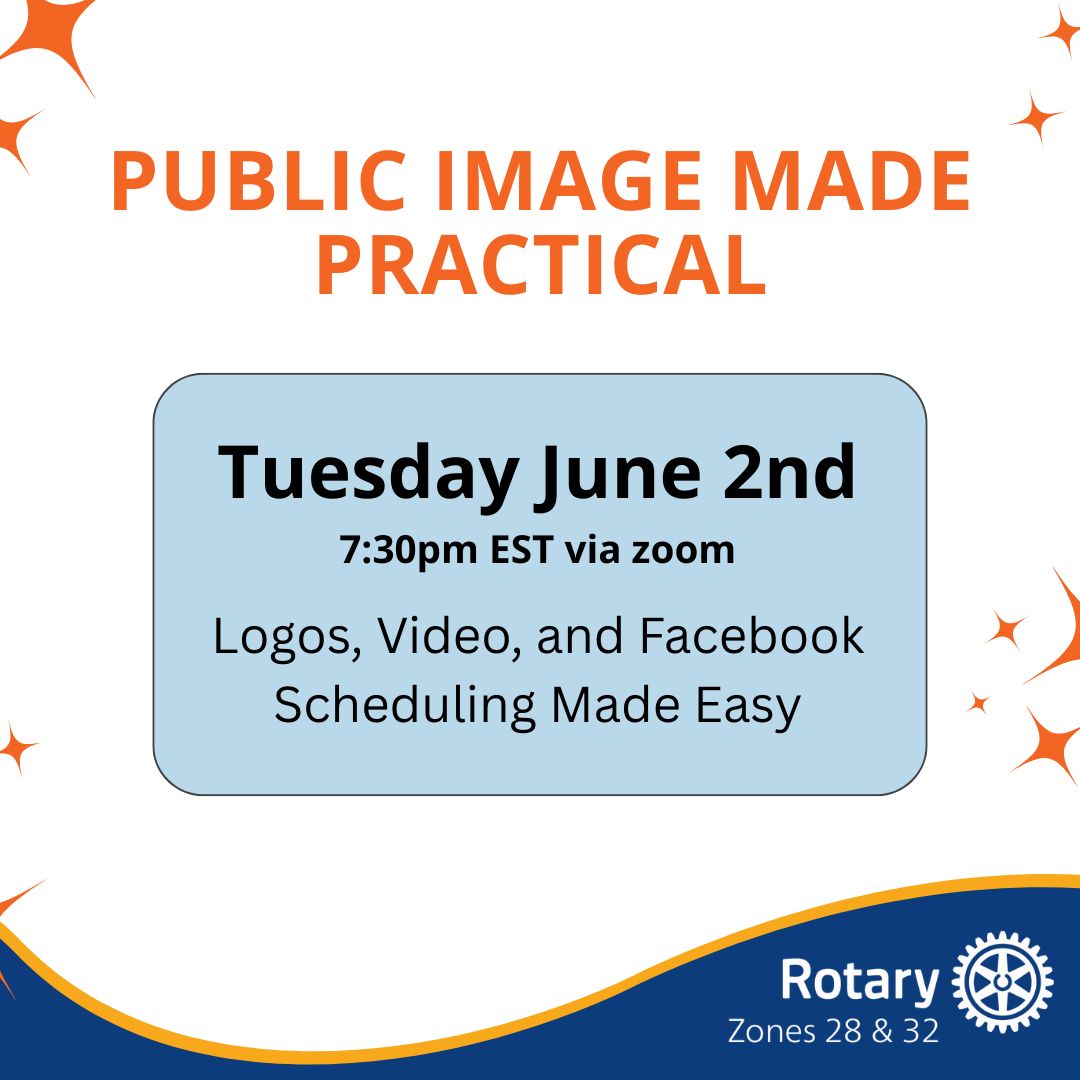
 Learn the essential tools every Public Image champion needs to confidently manage Rotary branding and social media. This practical session walks you through creating district and club logos in the Brand Center, downloading brand‑approved content (including video), uploading videos to Facebook, and scheduling posts across Facebook and Instagram using Meta’s Business Suite. You’ll leave with simple, repeatable workflows you can use right away.
Register in advance here for this meeting. After registering, you will receive a confirmation email containing information about joining the meeting.
What You’ll Learn:
How to create district and club logos using Rotary’s Brand Center
How to download brand‑approved content, including videos, from the Brand Center
How to upload videos to Facebook quickly and correctly
How to schedule Facebook and Instagram posts through Meta/Facebook Business Suite
Q&A session following walk throughs